
If you’ve been struggling with poor speaker quality on your phone, you’re not alone. Millions of people face muffled sound, crackling audio, or weak volume every single day. While many try basic cleaning methods, the real game-changer lies in using the right sound frequencies.
Fix My Speaker Cleaner gives you access to multiple specially designed frequencies. Some work better for removing water, while others excel at clearing stubborn dust and lint. Understanding these frequencies can mean the difference between a partially improved speaker and one that sounds almost brand new again.
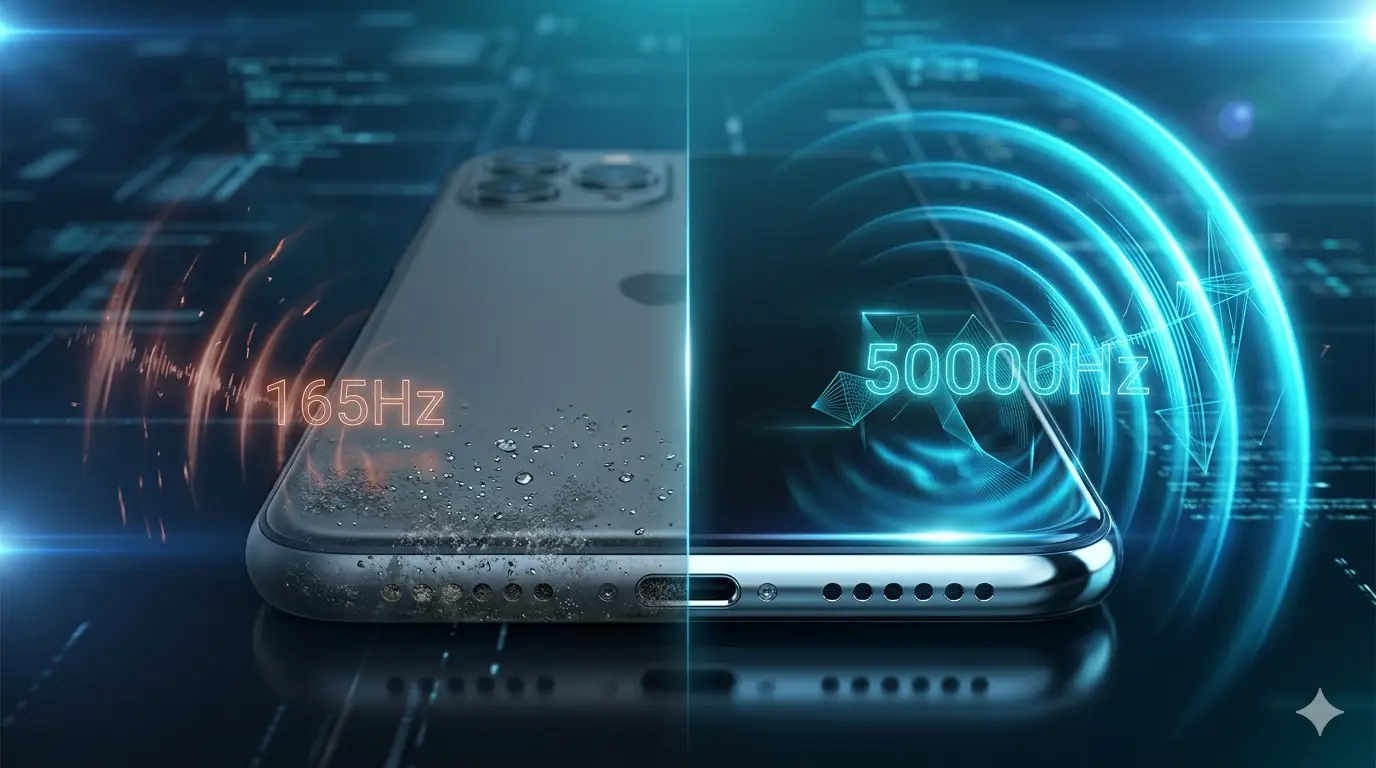
In this comprehensive guide, we will explore every major frequency test available in Fix My Speaker Cleaner from the popular 165Hz to powerful high-frequency options like 50000Hz. You’ll learn exactly how each frequency works, when to use it, and how to combine them with vibration for maximum results.
Whether your phone got wet in the rain, collected months of pocket dust, or simply sounds weaker than before, this guide will help you get the best possible performance from the tool available right here on this website.
Why Frequency Testing Matters So Much
Your phone’s speaker is a small but sophisticated piece of hardware. Inside it sits a thin diaphragm (membrane) that moves rapidly to create sound. When dust, lint, or water gets trapped behind or around this diaphragm, sound quality drops dramatically.
Different problems require different solutions:
- Water needs strong physical movement to be pushed out.
- Fine dust needs rapid micro-vibrations to be dislodged.
- Heavy buildup often responds best to a combination of frequencies.
This is exactly why blindly playing any random sound often gives disappointing results. Fix My Speaker Cleaner allows you to test specific frequencies so you can target your exact problem more effectively.
Understanding Sound Frequencies for Speaker Cleaning
Sound frequency is measured in Hertz (Hz) — the number of vibrations per second. Lower numbers mean slower, deeper vibrations (bass), while higher numbers mean faster vibrations.
In speaker cleaning:
- Low frequencies (100Hz – 300Hz) create bigger movements — perfect for moving water droplets.
- Mid frequencies (1000Hz – 10000Hz) offer a good balance for general cleaning.
- High frequencies (above 20000Hz) create very fast micro-vibrations that can reach tiny particles normal sounds cannot move.
Fix My Speaker Cleaner gives you access to all these ranges so you can create a custom cleaning session based on your phone’s condition.
165Hz – The King of Water Ejection
165Hz is one of the most important and widely recommended frequencies in speaker cleaning tools.
This low bass frequency creates strong, physical vibrations that are highly effective at pushing water out of the speaker grille and mesh. Many users notice immediate improvement after running this frequency, especially after accidental water exposure.
How to use 165Hz effectively:
- Run it for 60 to 90 seconds
- Keep the phone speaker facing downward
- Turn on vibration if available
- Repeat 2–3 times with short breaks
This frequency is particularly useful during India’s monsoon season when phones frequently get exposed to rain or humidity.
Mid-Range Frequencies: 1000Hz to 10000Hz
These frequencies serve as excellent all-rounders for everyday cleaning.
10000Hz is especially popular because it strikes a perfect balance between power and safety. It can dislodge medium dust buildup without putting too much stress on the speaker. Many people use this frequency for regular monthly maintenance.
If your speaker sounds slightly muffled but not completely blocked, starting with frequencies in this range often gives satisfying results.
High Frequency Tests: 30000Hz and Above
This is where things get more powerful.
30000Hz is considered a sweet spot by many experienced users. It provides strong cleaning power while remaining relatively safe for regular phones.
50000Hz takes things further. This ultra-high frequency creates intense micro-vibrations that can reach deep into the speaker mesh. It is particularly effective for phones that have collected dust over many months.
Even higher frequencies (60000Hz, 80000Hz, 99999Hz) are available in some tools. While they sound impressive, their actual benefit often decreases because many phone speakers cannot reproduce such high frequencies effectively.
The Power of Combining Vibration with Frequency
One of the biggest advantages of using Fix My Speaker Cleaner is the ability to combine sound frequencies with your phone’s vibration motor.
Fix my speaker vibration adds a physical shaking motion that works together with the sound waves. This combination is often far more effective than using sound alone.
Best combinations to try:
- 165Hz + Vibration → Water removal
- 10000Hz + Vibration → Daily maintenance
- 30000Hz or 50000Hz + Vibration → Heavy dust cleaning
Recommended Step-by-Step Testing Protocol
For the best possible results, follow this professional testing sequence every time you use the tool:
- Preparation Phase – Run 165Hz for 45 seconds to loosen any moisture.
- Primary Cleaning – Use 10000Hz for 45–60 seconds.
- Deep Cleaning Phase – Switch to 30000Hz or 50000Hz for 20–30 seconds.
- Final Ejection – Return to 165Hz for another 30 seconds.
- Recovery Test – Play normal music at medium volume for 1–2 minutes to help dry any remaining moisture and test the improvement.
Always remove your phone case before starting and keep the speaker facing down during the process.
Brand-Specific Frequency Recommendations
Different phone brands have slightly different speaker designs, so they respond differently to frequencies:
- Samsung Galaxy phones usually respond very well to 165Hz combined with vibration.
- Redmi and Poco devices often need stronger high frequencies (10000Hz to 50000Hz) because they tend to collect more dust.
- iPhones perform nicely with 165Hz and medium-high frequencies.
- Vivo and Realme users get excellent results when combining vibration with 30000Hz.
- OnePlus phones handle high frequencies particularly well due to their powerful audio systems.
Common Mistakes People Make
Many users make these mistakes when testing frequencies:
- Using only one frequency instead of a sequence
- Running high frequencies for too long
- Keeping the phone case on during cleaning
- Not taking breaks between high-frequency tests
- Expecting instant miracles on severely damaged speakers
How to Measure Your Improvement
After each cleaning session, test your speaker properly:
- Play a song with clear vocals and deep bass
- Make a phone call and ask the other person for feedback
- Record a short voice memo and play it back
- Compare before and after recordings
Taking notes after each session will help you understand which frequencies work best for your specific phone.
When Frequency Testing May Not Be Enough
While Fix My Speaker Cleaner with proper frequency testing solves many issues, it cannot fix everything. If you see no improvement after multiple well-executed sessions, your phone may have internal hardware damage. In such cases, professional repair becomes necessary.
Conclusion
Mastering frequency tests is one of the smartest ways to get maximum performance from Fix My Speaker Cleaner. Understanding when to use 165Hz for water, 10000Hz for general cleaning, and 50000Hz for deep dust removal can dramatically improve your results.
The best part? You don’t need to download anything or visit any service center. Everything is available right here on this website.
Take Action Right Now
Scroll up and open the Fix My Speaker Cleaner tool. Start with the 165Hz test combined with vibration, then experiment with higher frequencies following the sequence explained in this guide.
After trying different frequencies, come back and share your experience in the comments. Tell us:
- Which frequency gave you the best results?
- How much improvement did you notice in your speaker?
- Which phone model are you using?
Clear, crisp, and loud sound is possible. Start testing the right frequencies today with Fix My Speaker Cleaner and bring your phone’s audio back to life.