
How to Clean Phone Speaker with Sound: A Comprehensive Guide
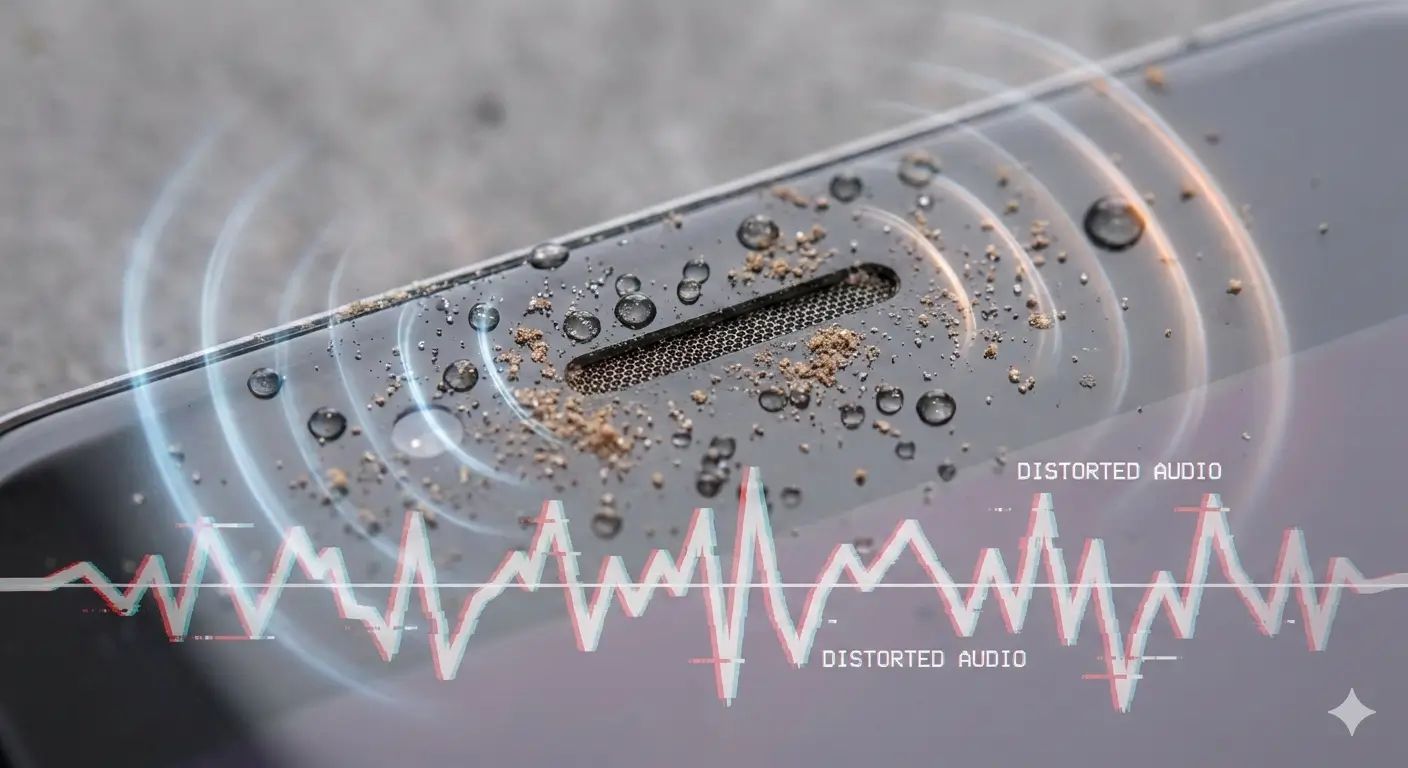
Is your phone speaker sounding muffled or producing crackling noises? Water, dust, and debris are common culprits behind poor audio quality. Fortunately, modern acoustic cleaning technology offers a safe and effective way to restore clear sound without dismantling your device. In this guide, you’ll learn how to clean a phone speaker with sound, explore advanced methods, and discover best practices for long-term maintenance.
Professional Guide: Clean Phone Speaker with Sound and Maintenance (2026)
Cleaning your phone speaker is no longer limited to old-school tricks like rice or silica gel. Today, sound-based cleaning methods use controlled frequencies to eject water and dust safely. These techniques are fast, reliable, and suitable for all major devices, including Android and iPhone. By following this guide, you’ll ensure your speaker stays in top condition for years.
Expert Analysis: Speaker System Maintenance
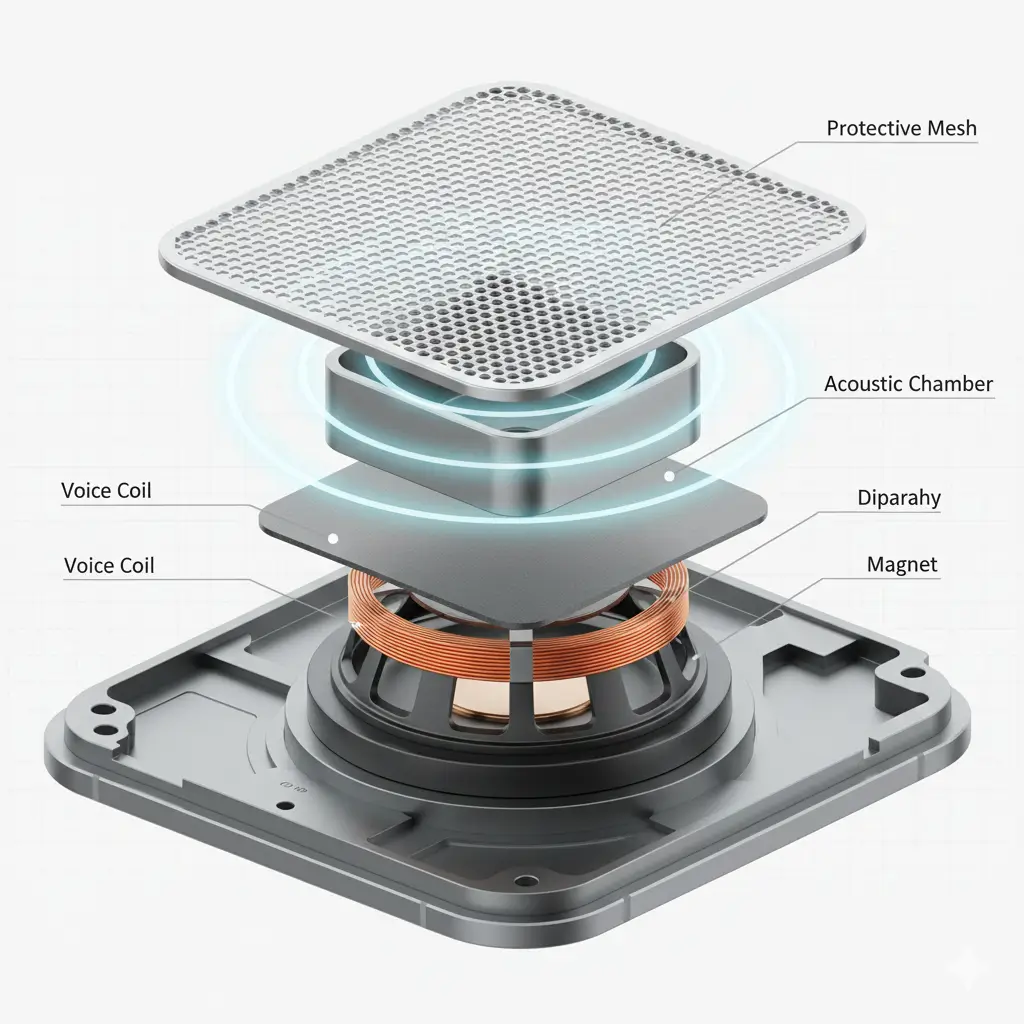
Phone speakers are delicate components that rely on precise vibrations to produce sound. When water or dust interferes with these vibrations, audio clarity suffers. Traditional drying methods often fail because they cannot reach deep inside the speaker grill. Acoustic cleaning solves this problem by using sound waves to dislodge moisture and particles without physical contact.
Advanced Acoustic Cleaning Technology
Sound-based cleaning works by generating high-frequency vibrations that break the surface tension of water molecules and loosen dust particles. These micro-vibrations push contaminants out of the speaker mesh, restoring clear sound instantly. Unlike chemical treatments or manual cleaning, this method is safe, fast, and scientifically proven.
Professional Cleaning Protocols
Precision Physical Cleaning
Before using sound-based methods, start with basic physical cleaning. Use a soft brush or microfiber cloth to remove visible dust from the speaker grill. Avoid sharp objects like needles or toothpicks, as they can damage the mesh.
Advanced Chemical Treatment
For stubborn grime, professionals sometimes use isopropyl alcohol applied with a cotton swab. However, this should be done carefully to prevent liquid from entering the device. For most users, sound-based cleaning is safer and more effective.
Device-Specific Protocols
Different devices require slightly different approaches when cleaning speakers with sound. Here’s how to handle the most common ones:
Android Devices
Most Android phones support sound-based cleaning through online tools or apps. Simply open a trusted tool like Fix My Speaker in your browser, select Water Eject Mode, and let the sound run for 30–60 seconds. Repeat if necessary for stubborn moisture or dust. Always ensure your phone is turned off before starting if it was recently exposed to water.
iPhone Devices
iPhones often have waterproof ratings, but water can still get trapped in the speaker grill. Use a sound-based cleaning tool that emits high-frequency tones specifically designed for iPhone speakers. Avoid using compressed air or heat, as these can damage internal components.
Laptops and Bluetooth Speakers
For laptops and external speakers, sound-based cleaning works best when combined with gentle physical cleaning. Use a soft brush to remove surface dust, then run the cleaning sound at moderate volume. This helps dislodge particles without harming delicate circuits.
Preventive Maintenance Strategy
Prevention is better than repair. Here are expert tips to keep your speakers in top shape:
These simple steps can significantly reduce the risk of water damage and dust buildup.
Professional Intervention Indicators
Sound-based cleaning is effective for most cases, but sometimes professional help is necessary. Seek expert repair if:
In these cases, a certified technician can inspect and replace damaged components safely.
Expert Conclusion
Cleaning your phone speaker with sound is a safe, fast, and effective method compared to traditional hacks. By using acoustic cleaning technology, you can restore clear audio without risking damage. Combine this with preventive care and regular maintenance to keep your device performing at its best.